Proof faster, Proof together
Drop feedback directly on designs, 3D renderings, and documents. Streamline approvals and keep everyone in sync with real-time collaboration.
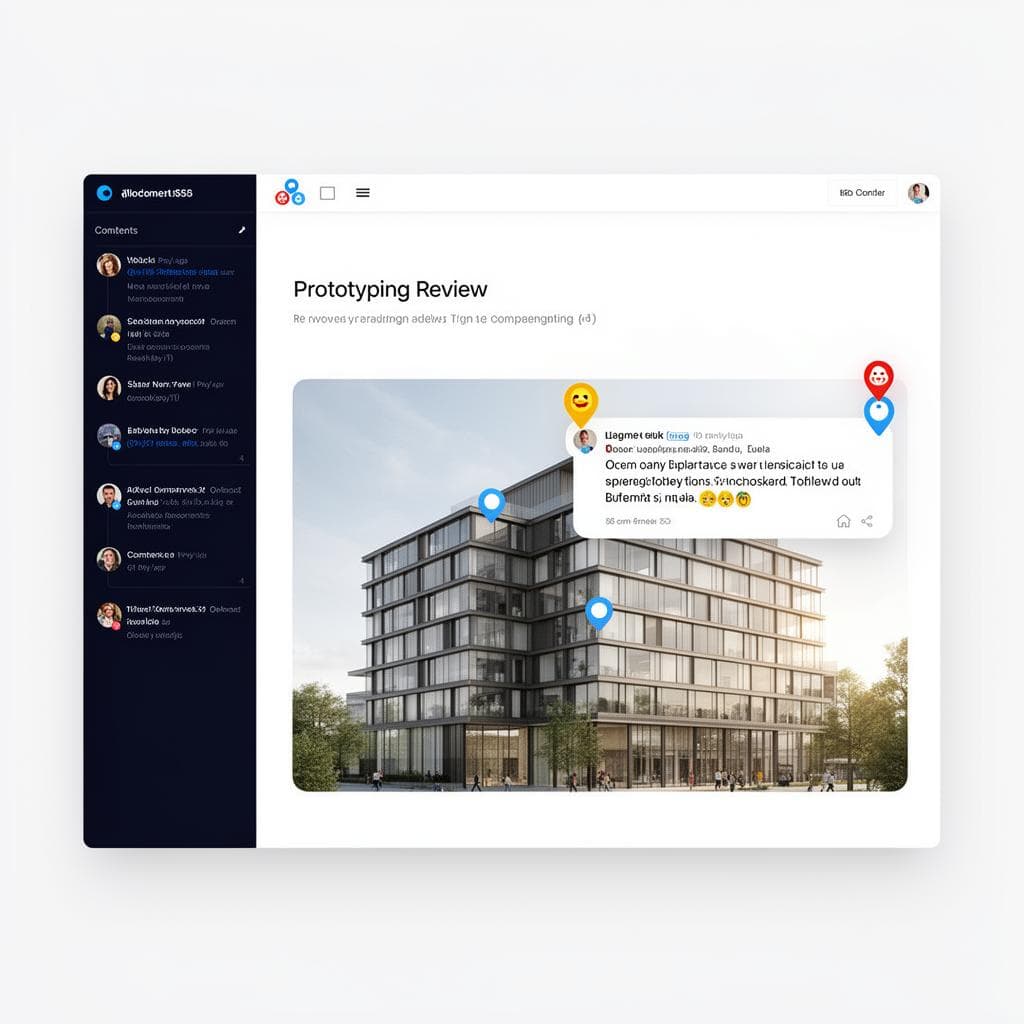
80%
faster approvals
3x
fewer revision rounds
100%
team adoption
Works on any image file type
3D renderings, floor plans, Site Plans, — review them all in one place.
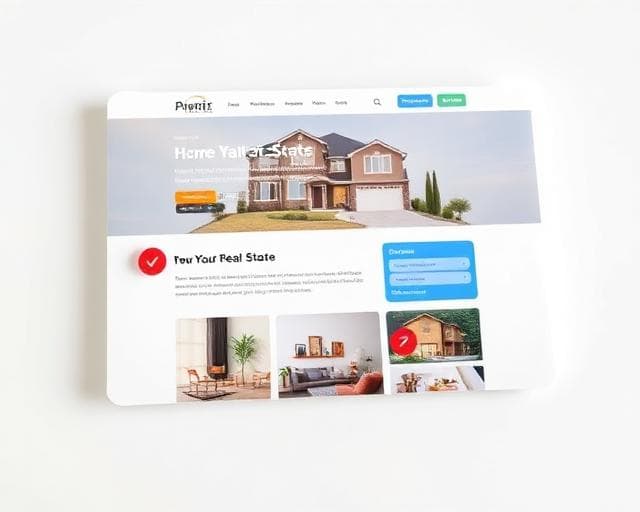
Live Websites
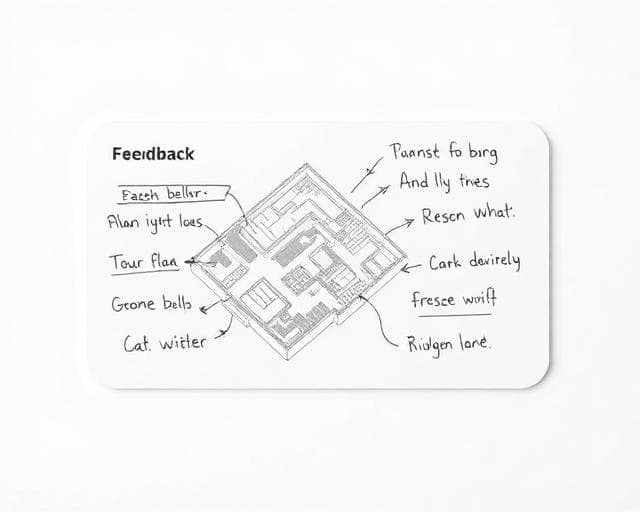
Floor Plans
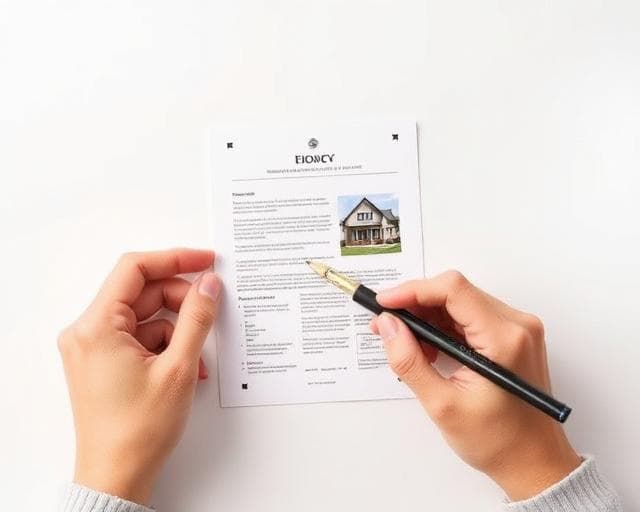
Brochures & PDFs

Interior Renderings
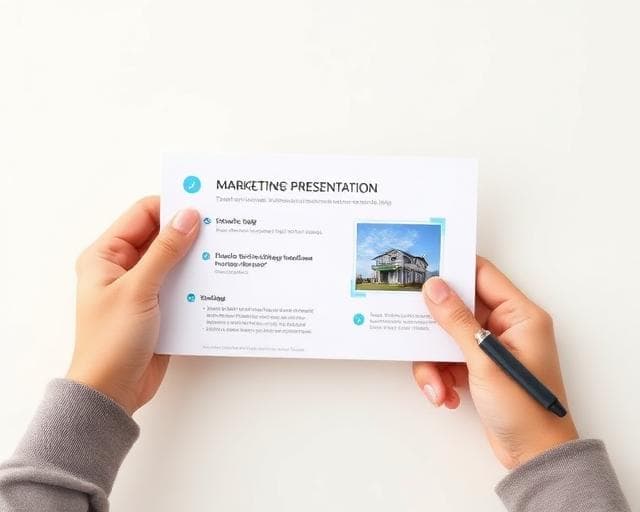
Presentations
Live Websites
Floor Plans
Brochures & PDFs
Interior Renderings
Presentations
The Problem
"Managing feedback across emails, ClickUp, and screenshots was eating 80% of our project time."
Stylish Wolf
Project Manager, ExposéProfi
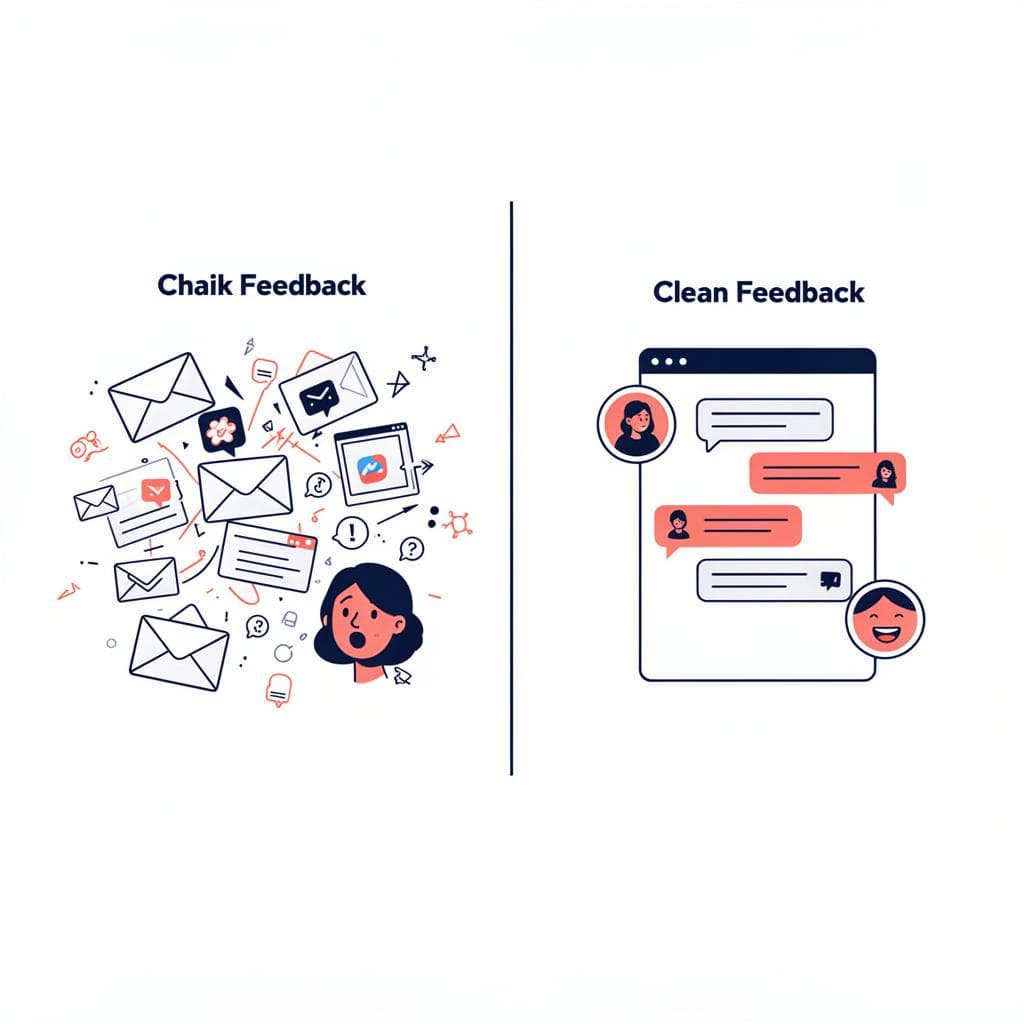
Before Revision
- ✕Screenshots scattered across Slack & email
- ✕Vague feedback leading to constant rework
- ✕No single source of truth for revisions
With Revision
- ✓Feedback pinned directly on the image
- ✓Clear, contextual comments that save time
- ✓All revisions tracked in one organized place
Built for our workflow
Everything the team needs to review and iterate on prototypes.
Contextual comments
Add comments directly to images. The team sees exactly what you mean.
Duplicate Project
Duplicate Projects easily. Chose what gets seen by others.
Real-time sync
Changes appear instantly for everyone. No refresh needed.
Team workspaces
Organize projects by team or client. Keep everything tidy.
How it works
Three steps to faster feedback.
Upload your prototype
Drag and drop any file — Figma exports, images, PDFs, or paste a live URL.
Review with the team
Drop comments directly on the design. Tag colleagues and assign action items.
Iterate and ship
Resolve feedback, track changes, and push final designs to production.
5 ways to speed up approvals
Pause comments
Keep the team focused.
Set deadlines
Schedule due dates.
Organize with tags
Custom labels for tracking.
Test responsiveness
Review across sizes.
Edit copy live
Text changes in one click.
Turn comments into tasks
Comments sync directly to your project management tools. No extra steps needed.
"We cut our approval time in half."
— Design Team Lead
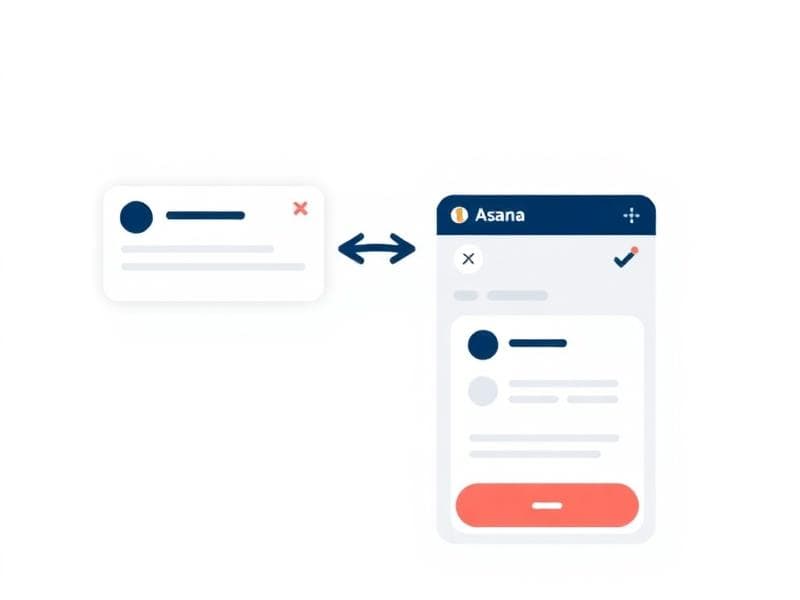

Resolve until inbox zero
Track progress visually and celebrate when everything is approved. Zero confusion.
See it in action
Watch how the team uses Revision to streamline design reviews.
Product Demo
Video coming soon